
How do I display unit pricing?
Remember: Unit pricing is only available in the Core Template.
If you sell products in quantities or measurements, then you can display the price per unit for your products. This is a common practice in some industries and regions to help customers compare prices of different-sized packages or similar products from different brands.
To enable the unit pricing:
-
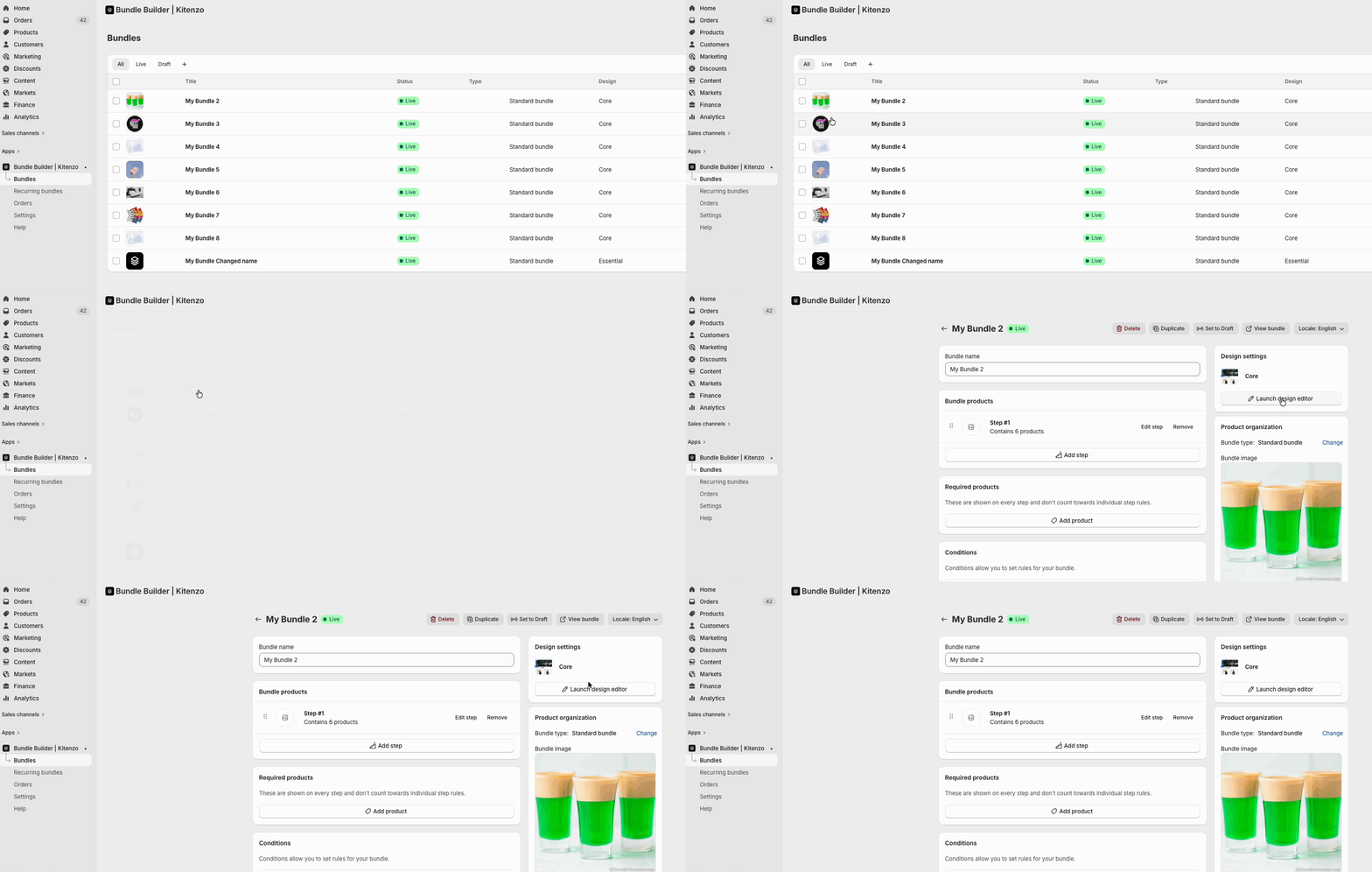
Navigate to your Bundles, click on the bundle you'd like to edit (or create a new one) and click on the 'Design editor' in the top right of your bundle.
- In the side menu click on the Global Settings tab.
- Scroll to the bottom and check the 'Show unit prices' box.

The unit price will then display next to the product price on the bundle page.